
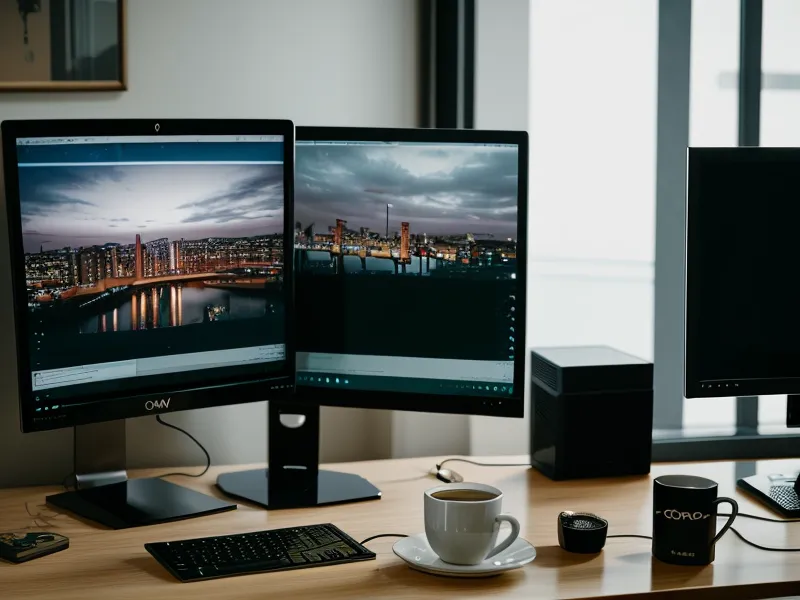
One humid Tuesday afternoon in Mexico City, I found myself in a very specific kind of digital-nomad hell. I was huddled in the corner of our Roma Norte Airbnb, desperately trying to catch the University Challenge replay, while my partner was three feet away leading a high-stakes design sprint on Zoom. It was the classic bandwidth war. Every time Paxman (well, now Amol Rajan) asked a question, my stream would buffer into a pixelated mess, and my partner would start doing that frantic 'can you hear me?' hand gesture at their screen. It’s the kind of domestic tension they don't warn you about in those 'work from anywhere' Instagram reels.
Before we go any further, a quick heads-up: this site uses affiliate links. If you sign up for a VPN through these links, I earn a commission at no extra cost to you. I only recommend services like Surfshark because I’ve actually paid for them and used them to solve these exact mid-afternoon crises while bouncing between Portugal and Mexico. You can find my full transparency policy here.
The Great Bandwidth War of Roma Norte
Living out of a suitcase since 2022 has taught me that not all WiFi is created equal. In that Mexico City apartment, the internet was decent, but it wasn't 'two people streaming high-definition video simultaneously through a heavy VPN tunnel' decent. My partner’s job is non-negotiable — they need a crystal-clear connection for those design calls, which, according to the tech specs, requires about 3.0 Mbps for HD group calls. My need to know which Oxford college has a better grasp of 18th-century botany is, apparently, less critical.
The problem is that a standard VPN setup is a bit of a blunt instrument. Usually, you flick a switch, and every single bit of data leaving your laptop gets wrapped in AES-256 encryption — which is essentially a high-security vault for your data — and sent to a server halfway across the world. When I’m in Mexico and I want to watch the BBC, I’m sending my data to London and back. If my partner is doing the same thing for their work VPN, we’re essentially trying to squeeze two massive, encrypted lorries through a very narrow single-lane dirt track.

Enter the Surfshark Bypasser (The Secret Weapon)
This was when I started messing around with Surfshark’s Bypasser tool. If you’re not a network nerd (I’m certainly not; I just want my telly), it’s basically a way to tell the VPN: "Please encrypt my web browser so I can watch iPlayer, but let everything else just use the normal, fast, local internet." This is technically called split tunneling, and I’ve written before about how I use VPN split tunneling for streaming while working remotely, but doing it with a partner in the room adds a whole new layer of complexity.
Setting up the Bypasser on Surfshark felt like a revelation. I set my Chrome browser to route through a London server, while keeping the rest of my laptop—and more importantly, my partner’s entire connection—on the local Mexico City network. It meant my partner’s Zoom call wasn't being dragged across the Atlantic and back for no reason. I could see the blue glow of the Surfshark interface on my laptop screen reflecting off the window as the sun set over Roma Norte, and for once, the little connection circle stayed green. No buffering. No 'can you hear me now?' from the other desk.
The Contrarian Trick: Why You Should Choose Different Regions
After about three weeks in a new apartment, you start to notice the patterns of the local internet. In Lisbon, late last spring, we hit a weird snag. Even with Bypasser on, if we both connected to the same 'best available' VPN server in the UK to watch something together or work on the same client's secure portal, everything slowed down. You’d think being on the same server would be efficient, right? Like carpooling?
Actually, I found the opposite. When we both piled onto the same local VPN server, we seemed to be hitting a bottleneck at that specific exit node. My contrarian advice? If you’re both using a VPN in the same room, pick different regions or at least different cities. If I’m on a London server for iPlayer, I’ll have my partner connect to Manchester or even a server in the Netherlands if they just need security and not a specific UK address. This weirdly stabilized both our streams. It’s like taking two different routes to the same party to avoid a traffic jam on the main road.
The 'Starter for Ten' Panic and Server Swapping
Streaming in mid-August from a particularly temperamental hotel in Porto reminded me that no VPN is perfect. I remember the silent panic when the 'BBC iPlayer only works in the UK' message appeared just as the first 'starter for ten' was announced. You know the one—it’s that grey box of doom that makes you feel like you’ve been caught sneaking into a members-only club. BBC iPlayer is notoriously aggressive about blocking VPNs; they basically keep a list of 'known' VPN IP addresses and block them as soon as they see too much traffic coming from one.
This is where Surfshark's 'Unlimited Devices' feature actually saved my sanity. Because I’m not capped on how many things I can connect, I had my laptop, my iPad, and our travel Fire Stick all logged in. When one server got hit with the proxy error, I didn't have to kick my partner off their connection to troubleshoot. I could just cycle through the London or Manchester servers on my iPad until one clicked. If you've ever dealt with the BBC iPlayer VPN proxy error, you know that the 'server swap' dance is just part of the nomadic lifestyle.
Why Unlimited Devices Actually Matters for Couples
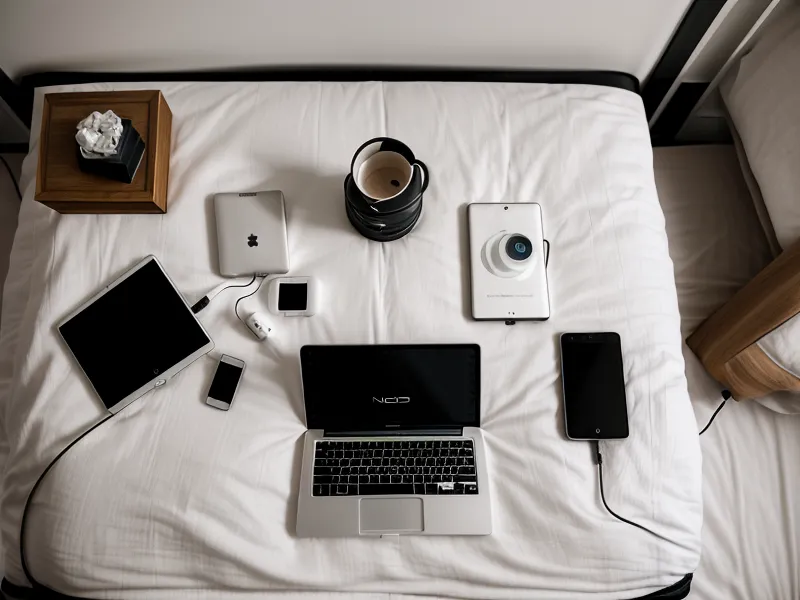
I used to think 'unlimited devices' was just marketing fluff. I mean, how many screens can one person actually look at? But when you’re a couple living in a one-bedroom apartment in Lisbon, it’s a game-changer. My partner has their work laptop, their personal phone, and a tablet. I have my design rig, my phone, and the iPad I use specifically for streaming University Challenge (because the team size is 4, but the emotional support required to watch it is at least a 2-person job).
With a service like ExpressVPN, which I also keep as a backup because it's incredibly polished and the 'Lightway' protocol is brilliant for quick reconnects at airports, I’m limited to 8 devices. That sounds like a lot until you realize that in a nomad household, eight devices is basically 'Tuesday'. Surfshark letting us stay logged in on everything means we don't have that annoying 'too many devices' logout battle right when someone is about to start a meeting.
Final Thoughts from the Road
Looking back at the past six months, the transition from a 'lag-filled warzone' to a functional home office mostly came down to managing how we use our VPN. It wasn't about having the fastest raw internet speed — Mexico City's residential speeds are actually surprisingly good if you’re in the right neighborhood — but about being smart with the 'Bypass' mode and not crowding the same servers.
If you're currently arguing with your partner about whose Zoom call is more important than a Netflix binge, honestly, try Surfshark for a bit. The Bypasser tool is hidden away in the settings, but once you toggle it on for your browser, it’s like adding an extra lane to your internet highway. If you're just starting out and find the whole thing a bit daunting, you might also want to check out my CyberGhost vs Surfshark comparison to see which one fits your vibe better. Just remember: different servers, Bypasser on, and always, always check the London connection before the 'starter for ten' begins.
Ready to stop the bandwidth bickering? You can get Surfshark here and start using the Bypasser mode today. It might just save your relationship—or at least your Monday night telly ritual.