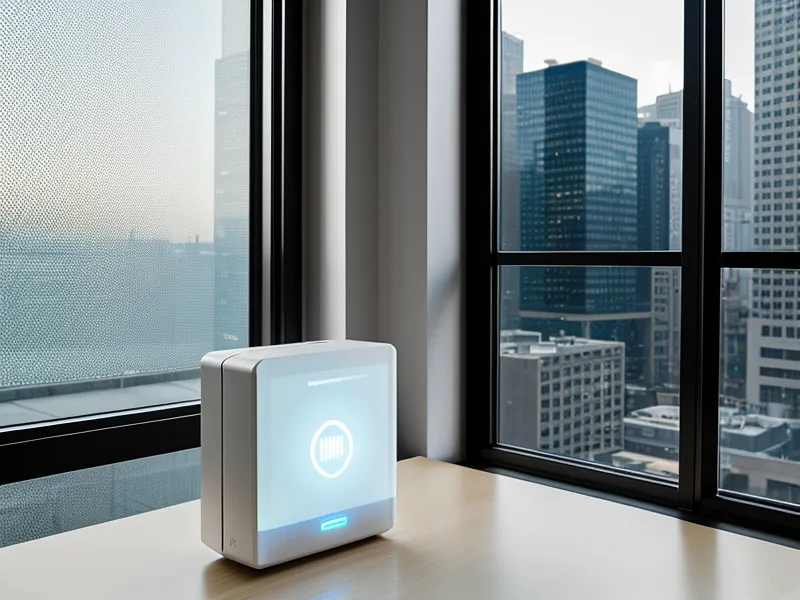
The Netflix thumbnails load in one clean grid on the travel router's connection, no spinning wheel, no little warning about proxies or unblockers, and I sit there for a second waiting for the catch, because there's usually a catch.
That absence of a catch is the whole reason people buy a travel router in the first place, and it's also where the myth starts. The common line (you'll read it on forums, in half the buying guides out there) is that a travel router is what makes hotel wifi streaming just work, full stop, plug it in and forget it. It isn't. A travel router solves a completely different problem than the one people assume it solves, and mixing the two up is exactly how you end up just as stuck as before, just with an extra gadget taking up space in your bag.
The Travel Router Myth That Never Quite Holds Up
Here's the myth, stated plainly: plug a travel router into any hotel or Airbnb connection and every streaming problem disappears, because the router somehow makes your devices invisible to whatever's checking where you are. What it's actually built to solve is different — a login and device-count problem, not a blocking problem. Hotels routinely cap a room at two or three connected devices, so by the time a laptop and both phones have logged in, the television is already shut out before anyone's touched the remote. A router folds every device behind one connection, so the hotel only ever sees a single, very busy laptop instead of four separate gadgets fighting for a slot.
Before I owned one, I worked around a locked hotel TV a clumsier way: I asked my sister back in Stockport to stay logged into her own account and share her screen over a video call, so we could sort of watch something together while I was stuck abroad. It held together for about ten minutes, right up until the call itself started stuttering under the strain and the whole plan fell apart.
What Does a Captive Portal Actually Block?
A captive portal is the page asking for a room number and a surname before it'll let a device online, and it behaves fine on a phone or laptop because both can open a browser and fill the thing in. A smart TV or a streaming stick usually can't do that on its own. Most hotel networks check each device's MAC address — a kind of ID tag every gadget carries — the way a doorman checks a name against a list before waving someone through. Two devices with the same login history get treated completely differently depending on whether they can fill out a web form, which is a strange way to run a network but there it is.
The device limit hides a second layer of annoyance underneath the portal itself. Getting kicked off after a few hours and having to log every single device back in (a hotel in Porto did this every four hours, like clockwork) is common enough that most long-term travellers have a story about it. None of that is a blocking problem either; it's an authentication problem, and every device on a network handles that authentication in its own slightly broken way, which is exactly why a phone breezes through a login page that leaves a Fire Stick stuck on a loading spinner.
Cloning a MAC Address, Not Vanishing From the Internet
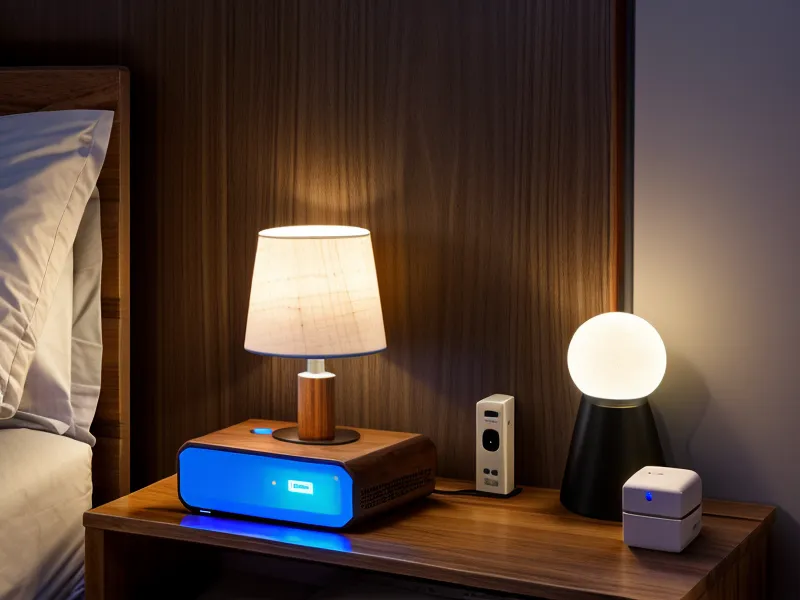
That mechanism is almost embarrassingly simple once it's laid out. Think of the router as a tiny middleman: instead of four or five gadgets each fighting the hotel network for a slot, every device connects to the router, and the router alone talks to the hotel. To the hotel, it looks like one single, very busy laptop logged in. To you, it's a private little network riding on top of theirs.
The clever bit is MAC cloning — telling the router to copy the ID tag of a device that's already logged in, usually a phone, so the hotel's system can't tell the difference. Get a phone past the captive portal first, then have the router clone that phone's address, and suddenly every other device riding behind the router inherits that same logged-in status without ever seeing the portal itself. It's the closest I've come to feeling clever about a network, and all it actually involves is tapping one button in an app.
Most travel routers on the market now handle the Wi-Fi 5 standard, which is plenty for a high-definition stream without the picture stuttering apart. You end up creating a small local network with the usual two frequency bands — one for range, one for speed — right there in the room, and it behaves the same way in a budget hotel as it does anywhere else. Every device still handles a login screen slightly differently depending on the software running on it, which is a big part of why the easy way to set up VPN on hotel smart TV for streaming looks nothing like doing the same thing on a phone.
Running the VPN Inside the Router
None of that — the portal bypass, the device folding — has anything to do with whether an app thinks you're in the right country. That part is still entirely down to the VPN itself, and running it on the router rather than on each device is where things get genuinely useful. Install the VPN once, on the router, and every device behind it only ever sees an encrypted tunnel; the television never gets the chance to leak a local Thai or Mexican address to an app that's checking. Some hotel networks go a step further and try to block VPN traffic outright, which is its own separate headache and usually means switching to a setting that disguises the VPN connection as ordinary web traffic instead.
WireGuard on the router runs noticeably smoother than the older OpenVPN option, and the difference is obvious the moment two people try to use the connection at once. My friend Bram (who has an opinion about every VPN protocol going and will share it whether you asked or not, and who somehow still packs a full-size mechanical keyboard into a carry-on meant for a long weekend) put it better than I could: the older protocol asks a tiny processor to do too much thinking, and the newer one just gets out of the way. That difference is what lets my partner sit on a video call in the corner of the room while something's streaming on the TV without either connection falling over. It also adds a proper layer of security on top of a hotel's open network, which matters more than most people think when half your banking apps are open on the same connection.
Why Data-Center IPs Give the Game Away
What undoes half of what the router just fixed is this: streaming platforms have gotten very good at spotting an IP address that belongs to a server farm instead of an actual home. A router can be flawlessly configured and the VPN can be running perfectly, and the connection still gets flagged the second the exit address doesn't look residential enough — a login screen with nothing visibly wrong on it, and a show that still refuses to play. Some services get around this with something closer to one dedicated address tied permanently to an account rather than a shared pool of servers; others just switch servers repeatedly until they land on one that hasn't been flagged yet, which is less a fix than a game of whack-a-mole.
A friend from that period, Reuben Quartey, spent a good chunk of a Lisbon meetup asking the room which VPN wouldn't throttle a video call, and ended up being the one everyone left with recommendations from — free advice he had absolutely nothing to gain from giving. What he never quite solved, and what none of us have fully solved, is that tricking an app into thinking you're in a different region and keeping a call stable at the same time asks a lot of the same tunnel at once. The router doesn't change that math. It just makes sure every device in the room is asking the same tunnel the same question, instead of four devices asking it separately and getting four different answers.
The Router on My Desk in Graça
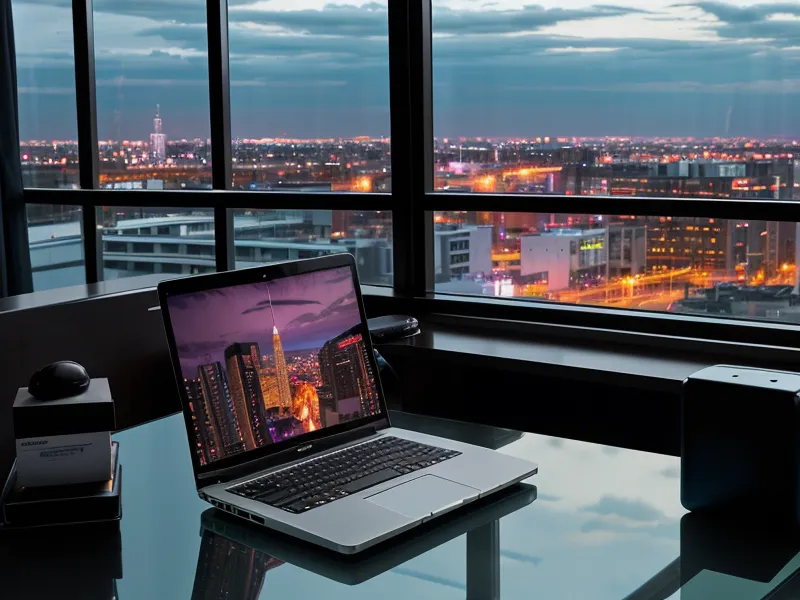
These days I barely think about the best VPN for Lisbon digital nomads working from coworking spaces, because the router carries the same private bubble into whichever room I happen to be working from. It sits on a scratched wooden desk in the flat we're renting in Graça, tucked behind whichever laptop is charging, doing its job without needing a single setting touched. A kitchen drawer nearby has become the catch-all for spare adapters, old SIM cards, and a couple of short ethernet cables for the nights the wireless signal can't be trusted. A scrap of paper taped above it lists which server actually worked last time for a particular show, because writing it down beats guessing every single time. Some afternoons I'd rather work from a café near Largo do Intendente than from that desk, and the router doesn't mind either way, it does the same job wherever it's plugged in.
So the rule, stated as plainly as the myth: buy a travel router to solve the login screen and the device limit, because it's genuinely built for that and does it well. Keep paying for a VPN that's actually proven to dodge detection to solve the blocking problem, because that's a completely separate fight and no router fixes it on its own. Confuse the two jobs and you'll end up exactly where I started: staring at a screen that's technically connected to everything and still won't play a single thing.